
Serene Koi Fish Wallpaper for PC | Ultra HD

Serene Koi Fish Wallpaper for PC | Ultra HD

Resolution: 2752×1536

About This Wallpaper:

Serene Koi Fish Wallpaper for PC | Ultra HD

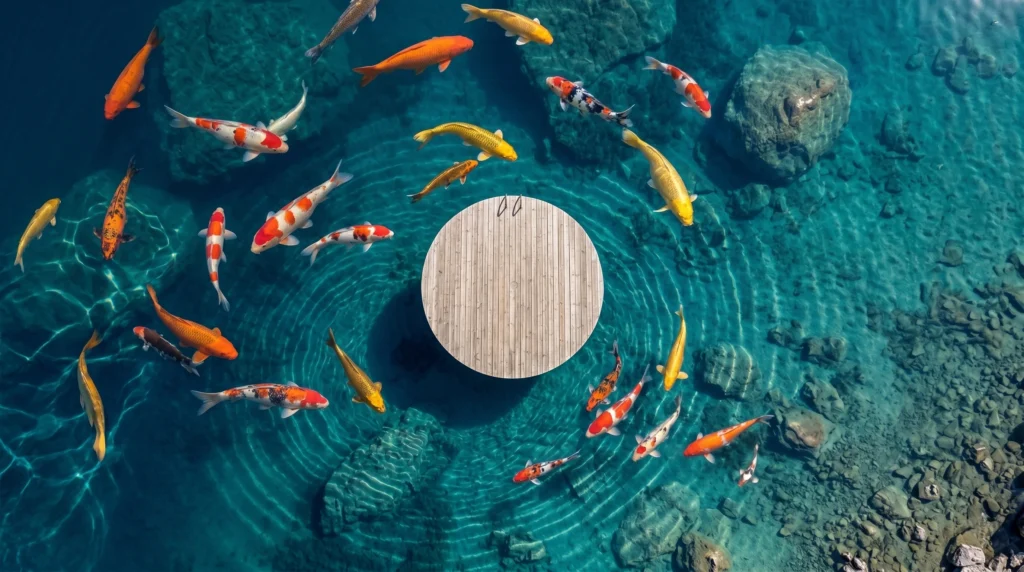
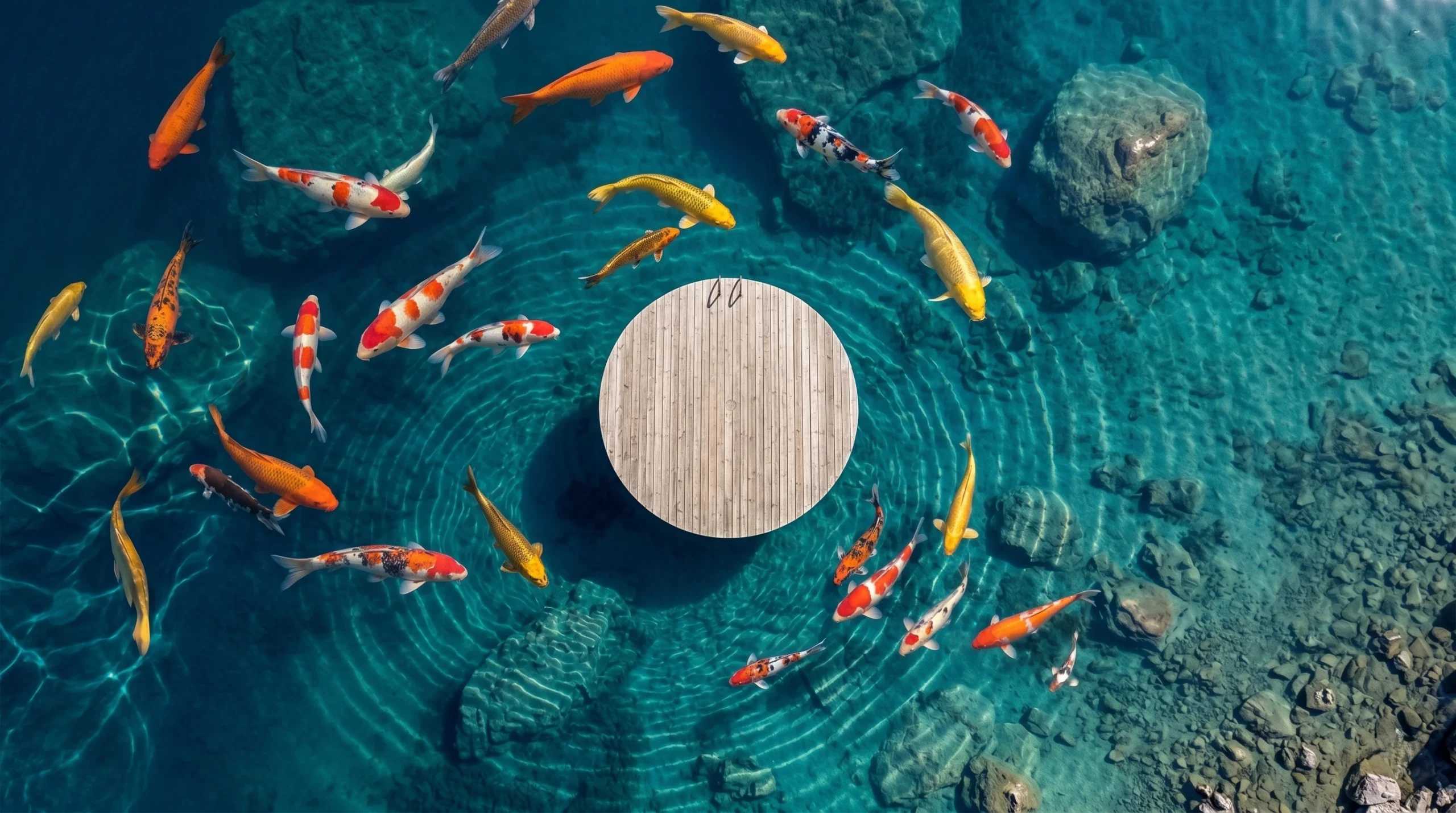
Serene Koi Fish Wallpaper for PC | Ultra HD captures one of the most calming scenes in nature: a group of colorful koi fish gliding silently through crystal-clear blue water. Viewed from directly above, the image feels almost meditative, with each fish moving slowly through the water like a brushstroke across glass. It is the kind of wallpaper that does not just sit on your screen quietly in the background. It changes the mood of your entire desktop the moment you look at it.

Koi fish have long been associated with calm, balance, and quiet beauty, especially in Japanese garden design. This wallpaper brings that same feeling to a modern desktop setup, blending natural color, gentle movement, and a clean top-down composition into one peaceful visual experience.

In this article, we will explore why this wallpaper has become a favorite among nature lovers and remote workers alike, what makes its Ultra HD quality worth downloading, and how to set it up on your own PC in just a few minutes.

Why Choose This Serene Koi Fish Wallpaper for PC | Ultra HD ?

Most desktop wallpapers fall into one of two categories. They are either too plain to hold your attention, or too busy to work behind icons and folders. This koi fish wallpaper manages to avoid both problems.

The composition is built around a simple but powerful contrast. Bright orange, white, and black koi fish stand out beautifully against the deep, clear blue of the water beneath them. There is no clutter, no distracting background elements, and no harsh color clashing. Just fish, water, and light.

This balance is exactly what makes the image so visually satisfying. It feels alive without feeling chaotic, and detailed without feeling overwhelming. For anyone who spends hours looking at a screen each day, that kind of balance matters more than people often realize.

There is also something quietly hypnotic about the way koi move through water. Their slow, deliberate paths create a natural sense of rhythm across the frame. Even though the wallpaper is a still image, it manages to suggest gentle motion, almost as if the fish could glide further across your screen at any moment. That subtle illusion of movement is part of what separates this design from a typical static nature photo.

Another reason to choose this wallpaper is its versatility. It works just as well in a minimalist home office as it does in a colorful, personality-filled gaming setup. The blue water tone pairs naturally with most desktop icon themes, while the vibrant koi patterns add just enough personality to keep the screen from feeling sterile or generic.


Ultra HD Quality for PC and Large Screens

A wallpaper is only as good as its resolution allows it to be, and this is where the Serene Koi Fish Wallpaper for PC truly stands out. Built specifically in Ultra HD, the image holds up beautifully even on large desktop monitors and high-resolution displays.

Every scale on the koi fish is rendered with fine detail. The water shows subtle ripples and light refraction that would normally be lost in a lower-quality image. Even the soft shadows beneath each fish add a sense of depth that makes the entire scene feel three-dimensional rather than flat.

On a 24-inch monitor, a 27-inch widescreen, or even an ultra-wide setup, the wallpaper stays sharp from edge to edge. There is no pixelation, no blurring, and no stretching, which is a common problem with lower-resolution wallpapers that were never designed for larger screens in the first place.

This level of detail also matters for anyone who works with multiple open windows throughout the day. Even when only small sections of the wallpaper are visible between application windows, the image still holds its clarity, rather than revealing compression artifacts or soft, blurry patches the way many lower-quality downloads do. That consistency is part of what makes an Ultra HD file genuinely worth choosing over a standard resolution alternative.


Peaceful Japanese-Inspired Aesthetic

Koi fish are deeply tied to Japanese culture, often found gliding through the ponds of traditional gardens, temples, and tea houses. This wallpaper draws directly from that aesthetic tradition, recreating the same sense of quiet elegance in digital form.

The top-view perspective is intentional. In traditional koi pond design, the fish are meant to be viewed from above, allowing their colors and patterns to stand out fully against the water. This wallpaper mirrors that exact viewing angle, giving it an authentic, almost garden-like quality.

The color palette also reflects classic Japanese design principles, favoring natural tones and clean compositions over bold or artificial colors. The result is a wallpaper that feels less like a digital graphic and more like a small window into a real koi pond.

In Japanese tradition, koi are often associated with perseverance, good fortune, and inner calm. They are a common symbol in art, textiles, and garden design precisely because of how peaceful they appear while swimming. This wallpaper captures that same symbolic quality, offering a small daily reminder of patience and quiet strength every time you glance at your screen.

For anyone drawn to Japanese minimalism, zen gardens, or nature-inspired interior design, this wallpaper offers a simple way to bring that same calm aesthetic to a digital space. Many users discover wallpapers like these through Pinterest searches.


Perfect for Work, Study, and Relaxation

There is a reason koi ponds are often placed near meditation spaces and quiet reading corners. Watching slow, gentle movement in water has a naturally calming effect on the mind, and this wallpaper recreates that same sense of stillness on a screen.

For anyone working from home, a calm desktop background can make a noticeable difference throughout a long day. Instead of staring at a blank screen or a cluttered desktop, this koi fish scene offers a small visual break every time you glance at your monitor between tasks.

Students studying for long hours often face the same issue. A peaceful, nature-inspired wallpaper can reduce visual fatigue and help maintain a calmer mental state during study sessions, especially compared to bright, high-contrast, or overly busy wallpaper designs.

Remote workers in particular have started paying closer attention to the small details of their home office setup, and desktop backgrounds are no exception. A calming visual like this one can help create a clearer mental separation between work mode and downtime, simply by changing what greets you each time you open your laptop or sit down at your desk.

Even outside of work and study,this Serene Koi Fish Wallpaper for PC | Ultra HD works well simply as a daily source of calm. Many people choose nature-themed desktop backgrounds specifically because they offer a brief mental reset every time they sit down at their computer.


Serene Koi Fish Wallpaper for PC | Ultra HD is Compatible with Windows PC and Desktop Monitors

This wallpaper has been designed with desktop use in mind, making it fully compatible with Windows PCs and standard desktop monitor resolutions. Whether you are using a laptop, a desktop tower with an external monitor, or a dual-screen setup, the image adapts cleanly without losing quality.

The horizontal composition fits naturally within standard 16:9 screen ratios, which covers the vast majority of modern monitors. For those using larger or ultra-wide displays, the high resolution ensures the image still looks sharp and properly proportioned rather than stretched or cropped awkwardly.

For dual-monitor setups, the wallpaper can also be positioned to span both screens, creating one continuous koi pond view across your entire desk. This works especially well for anyone who already uses matching monitors, since the seamless water surface helps disguise the gap between displays rather than drawing attention to it.

Setting Serene Koi Fish Wallpaper for PC | Ultra HD does not require any special software or third-party tools. It works directly through the built-in desktop personalization settings already included in Windows, making the entire process quick and beginner-friendly.


Free Download and Easy Setup

Getting this wallpaper onto your desktop takes only a few simple steps:

Step 1 – Download the Wallpaper Click the free download button on this page. No account creation or payment is required to access the file.

Step 2 – Save the Image Save the downloaded file to an easy-to-find folder, such as your Pictures or Downloads folder.

Step 3 – Open Personalization Settings Right-click anywhere on your desktop and select “Personalize” from the menu that appears.

Step 4 – Choose the Koi Fish Wallpaper Click “Background,” then “Browse,” and select the downloaded image from your folder.

Step 5 – Adjust the Display Fit Choose “Fill” or “Fit” depending on your screen size, ensuring the koi fish composition displays correctly without unwanted cropping.

Step 6 – Enjoy Your New Desktop Once applied, your desktop will instantly transform into a peaceful koi pond scene, ready to bring a sense of calm to your daily routine.


Final Thoughts

The Serene Koi Fish Wallpaper for PC offers something increasingly rare in modern digital design: genuine calm. With its Ultra HD detail, Japanese-inspired aesthetic, and peaceful top-down view of colorful koi swimming through crystal-clear water, this wallpaper turns an ordinary desktop into a small, daily moment of stillness.

Whether you are setting up a calming home office, looking for a study-friendly background, or simply love the beauty of koi ponds and Japanese garden design, this wallpaper delivers a quality visual experience without any cost.

A wallpaper might seem like a small detail in the grand scheme of a workday, but small details add up. The screen in front of you is something you look at dozens, if not hundreds, of times every single day. Choosing something genuinely calming and well-made, rather than defaulting to whatever came pre-installed, is a simple way to make that repeated moment feel a little more intentional.

Download it today, follow the simple setup steps above, and let your desktop reflect the same quiet, balanced beauty found in a real koi pond.


Leave a Comment

Your email address will not be published. Required fields are marked *

Scroll to Top